

The annoying ones are not a passenger who argues about a route. They are the call that already knows your plate, the login you lent for a weekend, and the cash fare that only exists if you cancel the job. The badge, the insurance and the payout account are all in your name. That is the point of every one of them.
The same tricks turn up on Bolt, Free Now and the local circuit apps. Where a rule below is Uber’s own wording, it is labelled as Uber’s. The habit is the same for any operator: support lives inside the app you already use.
The call that knows your plate
It comes while you are on a job, or just after. The voice says they are Uber Support, or the operator’s compliance team. A rider has reported that you do not match your photo. The account will be switched off within the hour unless you confirm who you are. They already have your name and the registration. That is not inside knowledge. A rider who has a live booking can see the driver’s name, the photo and the plate, which is what Uber tells riders to check before they get in.
Then they ask you to read out a code that has just arrived by text, or to confirm a password, or to hand over bank details. Sometimes they offer credits if you “verify” the account. Uber’s own account page says the company will not ask for your password, an SMS code, or bank or card details by phone or by email. The code is the login. Reading it out is opening the door.
Hang up. Do not use a number they text you. Open the driver app yourself and use Help there. A real problem with a trip will still be in that inbox after you have ended the call.
The message with a link
The text or email looks like a cancelled trip, a document that is about to expire, or a payout that failed. The link does not go to Uber. It goes to a page that looks like the login. Uber’s warning is to check the address before you type a password: a real Uber page has uber.com in it, as in partners.uber.com or uber.com/help. An address that merely has the word Uber in it, including a Gmail address dressed up to look official, is not that.
Two cousins sit on the same page. One offers Uber credit in exchange for personal details. The other asks you to add a gift card or a fuel card so that earnings can be moved onto a card that is not yours. Neither is a payout method.
A suspicious text goes to 7726. That is free, and the network can block the sender. A suspicious email goes to report@phishing.gov.uk. Both routes are the National Cyber Security Centre’s. If money has moved, or the account is no longer yours, that is a fraud report: Report Fraud on 0300 123 2040 in England, Wales and Northern Ireland. In Scotland it is Police Scotland on 101.
Do not hand over the phone
Uber’s account advice is blunt on this one. Do not let a rider handle or use your device during a trip. The phone is the job, the code and the bank details. A passenger who “just needs the map”, or who offers to type an address in for you, is holding the thing the fake-support caller is trying to get by phone.
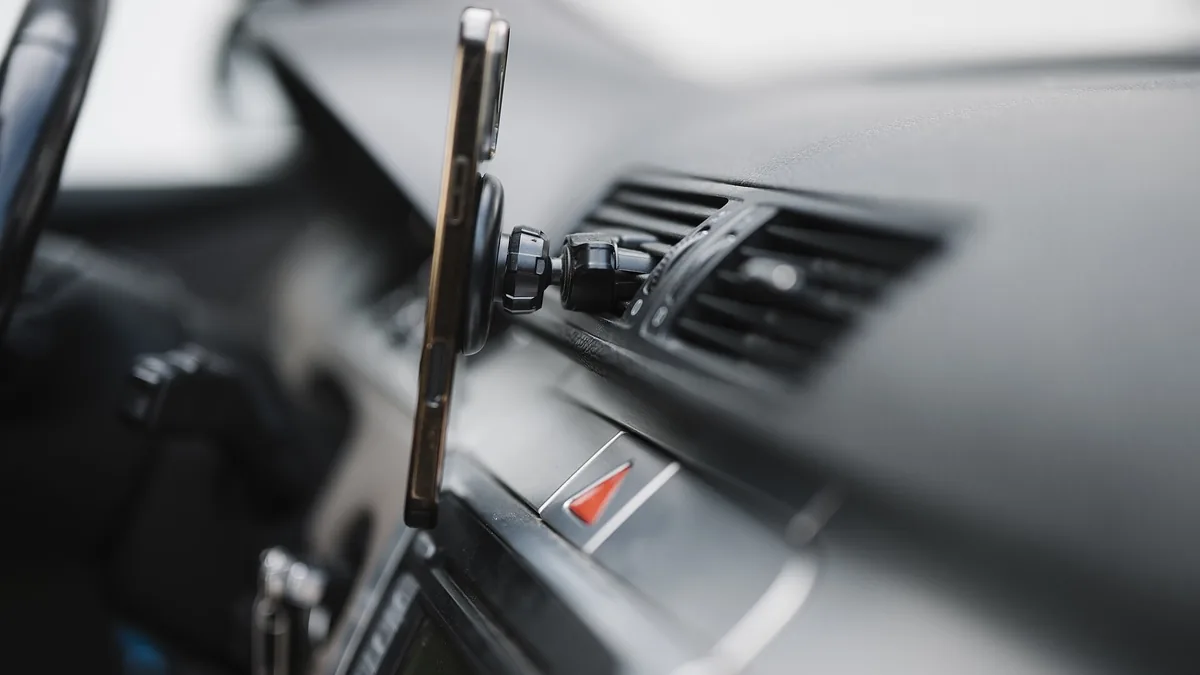
Keep it on a mount, or in your hand. If a code arrives that you did not ask for, it is not a courtesy to read it across the back seat.
Lending the login
This is the scam that looks like a favour. A mate’s badge has lapsed, or he has not passed the council yet, or he will “do the airport runs” on your account while you sleep. He drives. The passenger sees your face and your plate. The person who gets in is someone else.
The booking record is how the operator, the insurer and the council know who carried the job. Pass the login across and that record is a lie. In London, operators have to record the private hire driver licence number of the driver who actually carries the booking, and the registration of the vehicle. A login in two places at once is one of the patterns they treat as someone else using the account.
TfL has acted on it. Answering a freedom-of-information request, it said that since 28 September 2020 it had revoked 16 private hire driver licences after Uber London sent a driver-dismissal notice about multiple use of the platform (the FOI reply). The suspicion the operator described was a driver logging off in one place and the same account logging on, soon after, somewhere else.
You stay the name on the licence. The other person may have no badge, no check, and no cover for that hiring. If a code arrives while you are at home, or a trip appears that you did not drive, treat the login as already shared, whether or not you shared it.
Cancel it and I’ll pay you cash
You have arrived. The rider says the app is playing up, or the fare looks steep, or they will cancel so you both save the fee, and they will pay you in cash. Or someone at a pub door, or on a station forecourt, asks if you are free.
A private hire job is a booking from a licensed operator. It is not a conversation at the kerb. Transport for London’s operator handbook tells operators to make sure drivers know they can only take bookings from a licensed operator, and that a passenger should not get in until that booking has come through. Plying for hire, or taking a fare that was never booked, is described there as an offence that can mean a fine, a conviction and the loss of the private hire driver licence. The same page says TfL can go after an operator who encouraged it.
Safer Travel at Night puts the passenger side of the same rule in one line: an unbooked minicab is illegal and not insured to carry passengers. That covers a bogus car and a licensed driver who is touting. Outside London the structure is the same triangle. The operator, the driver and the vehicle each need a licence, and the hiring has to come through the operator.
Uber will not let you on the app without a certificate that covers private hire, meaning carrying passengers for hire and reward. It will not take a normal business-use policy, or a public-hire policy, in place of that (what the certificate must say). A side deal is the journey with no booking behind it. Read the certificate before you decide a cash job is “still covered”. The licence problem does not wait for that argument.
The car that is not the car on the screen
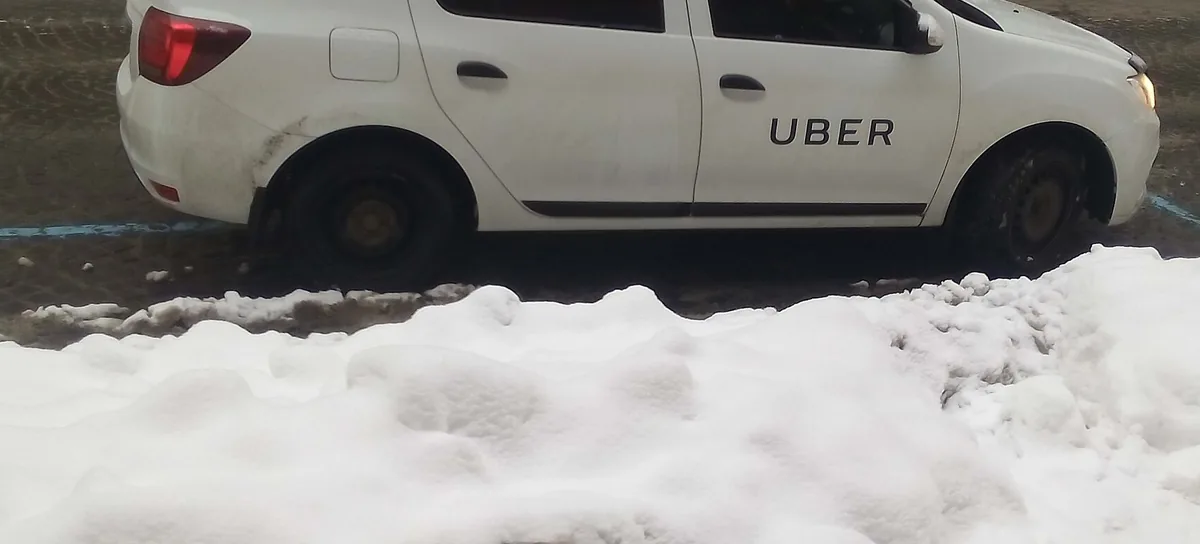
Some of these scams are aimed at the passenger, and they still land on working drivers, because the passenger was expecting you, or someone using your name. Uber’s safety guidance is the check that stops it. Before the trip, the rider is told to match the plate, the make and model, and the driver’s photo and name. You can ask who they are expecting. If the app has asked for a PIN, the trip does not start until you enter the number the rider has. That PIN is there so the right person gets into the right car.
A driver who tells a passenger to ignore the plate, or to skip the PIN, is describing the scam, not a shortcut. If your photo on the account is years out of date, update it. A beard is not a crime. It is also the excuse the fake caller uses.
Phones that pretend to be somewhere else
In August 2024, federal prosecutors in Brooklyn unsealed charges against two men they said had spent six years selling modified phones and apps to rideshare drivers. The office of the US Attorney for the Eastern District of New York said more than 800 drivers used them. One app made the phone appear to be waiting in a surge area where the car was not. Another showed the destination and the likely fare before the driver accepted, so the driver could pick only the expensive jobs. Prosecutors put the fraudulent surge fees at 40 million dollars (Insurance Journal’s account of the indictment).
That case is American. The offer you will actually hear is local. Someone on a rank, or in a group chat, says they can sort the app so you only see airport work, or so you sit in the surge without being there. Anything that reports a location you are not at, or that shows a job the ordinary driver app does not show yet, is the tool in that indictment. It is not a setting Uber forgot to switch on.
A trip you did not drive
The payout is the end of the account takeover. You open the earnings screen and a journey is there from a town you were not in, or the bank details are not yours, or a code arrives and nobody you trust is on the phone. Uber lists this family of tricks as identity theft and money leaving the account, including the gift-card route onto a debit card you do not hold.
Do it from a page you typed yourself, not from a link in the message. Change the password. Sign out every other session the app will show you. Tell the operator through Help in the app, not through the caller. If money has gone, tell the bank the same day, then Report Fraud. A code you have already read out is not “probably fine” because the caller was polite.
The same day
End the call before you answer the question. Open the app you installed, and look at today’s trips and the bank account on the profile.
If you have read out a code, or tapped a login link, change the password and sign the other sessions out. Tell the operator inside the app.
If the bank details changed, or a fare has been paid to a card you do not recognise, call the bank, then report it. England, Wales and Northern Ireland: Report Fraud, 0300 123 2040. Scotland: 101.
Do not cancel a live job so a passenger can pay you cash. Do not pick up a person who has not come through the operator. Do not install a second app that moves the dot on the map.
Forward the text to 7726 anyway, even when you did not tap it. The next driver on the rank will get the same message.